
Deep Dish Dungeon Wiki
Deep Dish Dungeon is a survival exploration game where you gather resources, craft tools and cook meals while exploring a puzzle-filled dungeon. This independent wiki helps you find keys and materials, follow the walkthrough and work through crafting and cooking questions.
Top Guides
Guides by Category
Latest Guides
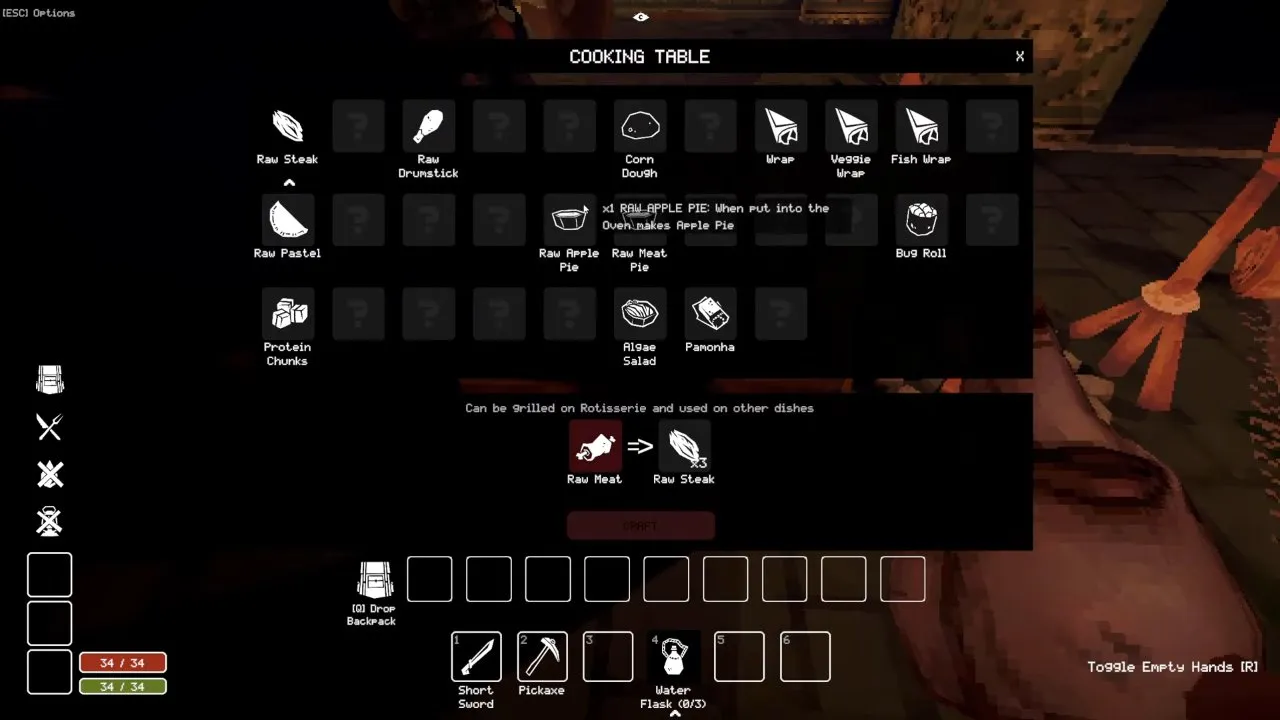 Cooking Table and CarcassesGet the cooking table after the crafting table to process monster carcasses. Learn Deep Dish Dungeon cooking table steps for bats, scorpions and raw meat.Read guide →
 How to Get ClayGet clay in Deep Dish Dungeon by mining Goop piles in the sewers with a pickaxe. Learn where to look for goo and how clay helps you build a smelter.Read guide →How to Cut RootsCut the roots blocking paths in Deep Dish Dungeon with an axe. Learn how to reach it through the sewers and lower the water with a grappling hook.Read guide →
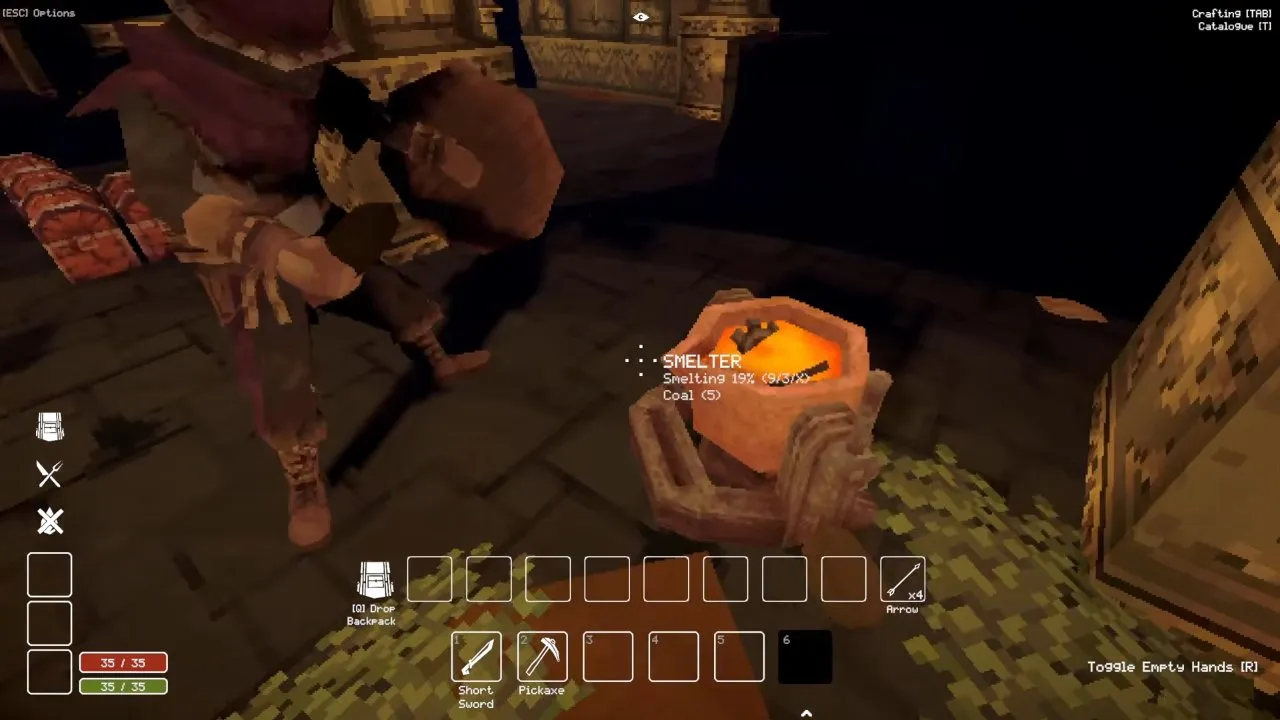 How to Get Iron RodsGet iron rods by looting the dungeon or smelting scrap metal. Learn how to get iron rods in Deep Dish Dungeon, where to search, and what to save.Read guide →
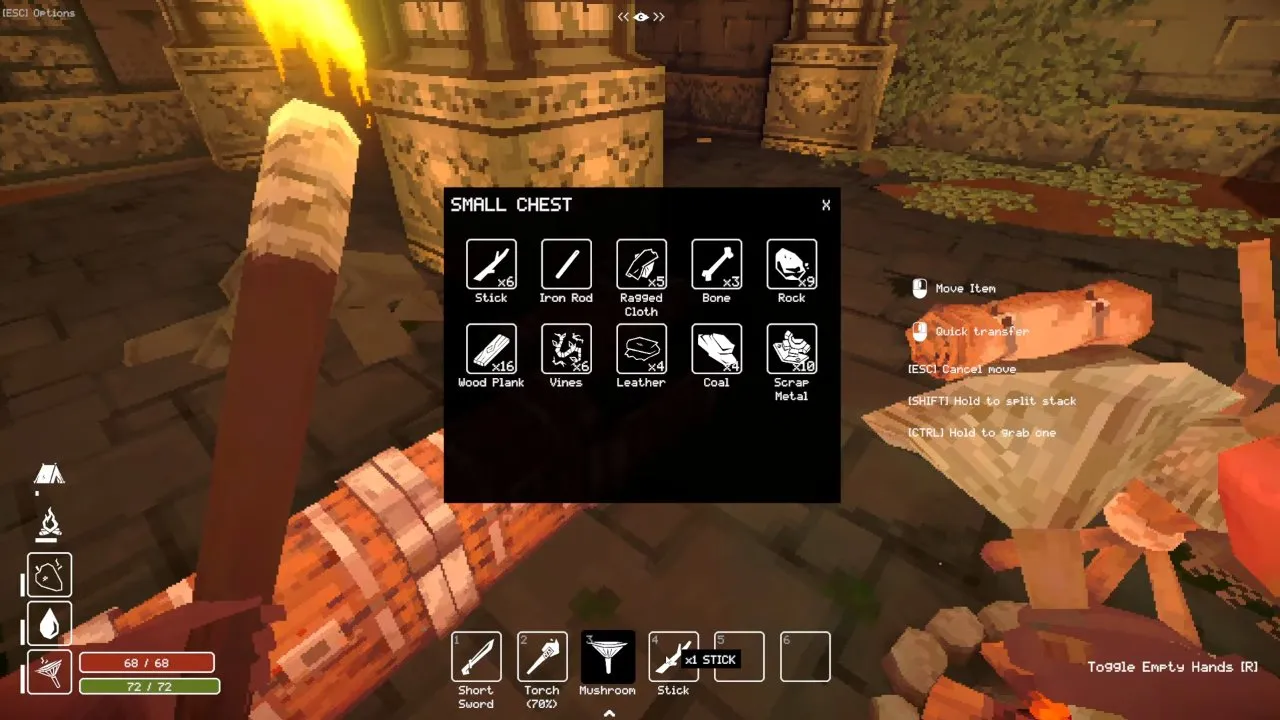 How to Get LeatherMake leather from animal hides at a workbench in Deep Dish Dungeon. Find your first leather in chests and gather materials to build your workbench.Read guide →
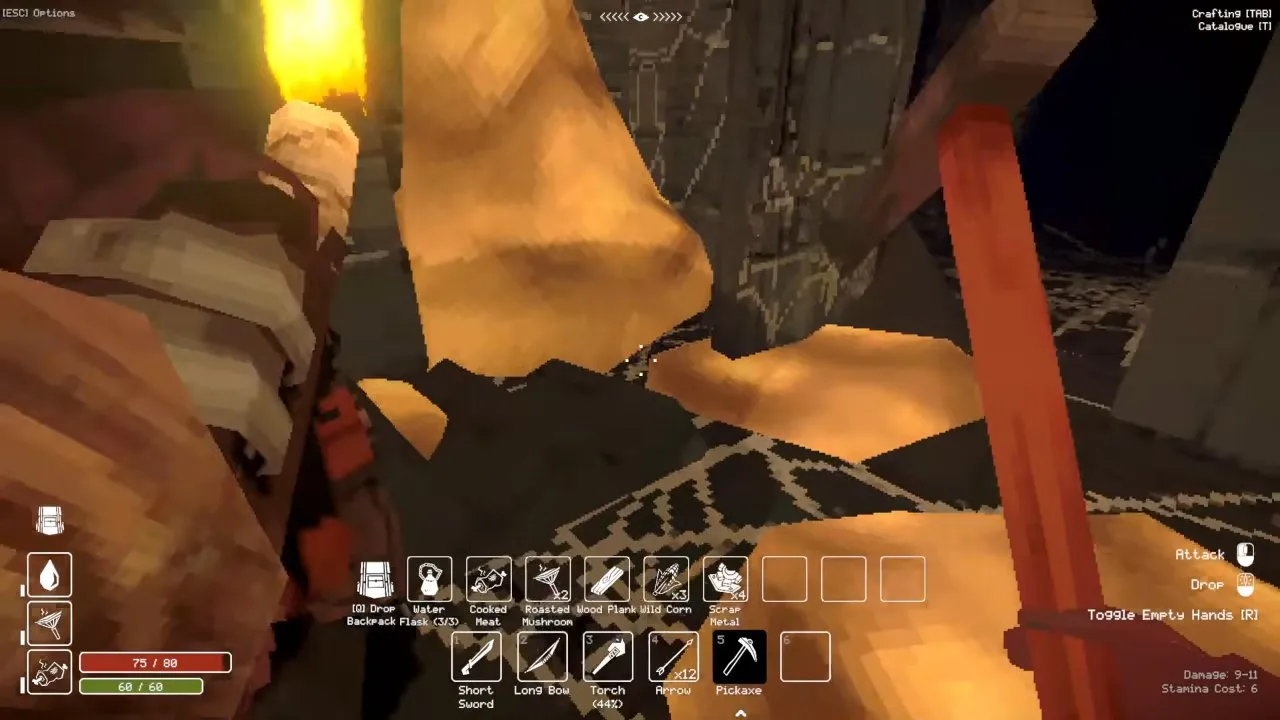 Where to Find the PickaxeFind the pickaxe behind the door down the stairs beside the prison's entry stairs. Follow the Deep Dish Dungeon pickaxe route and clear yellow goo.Read guide →
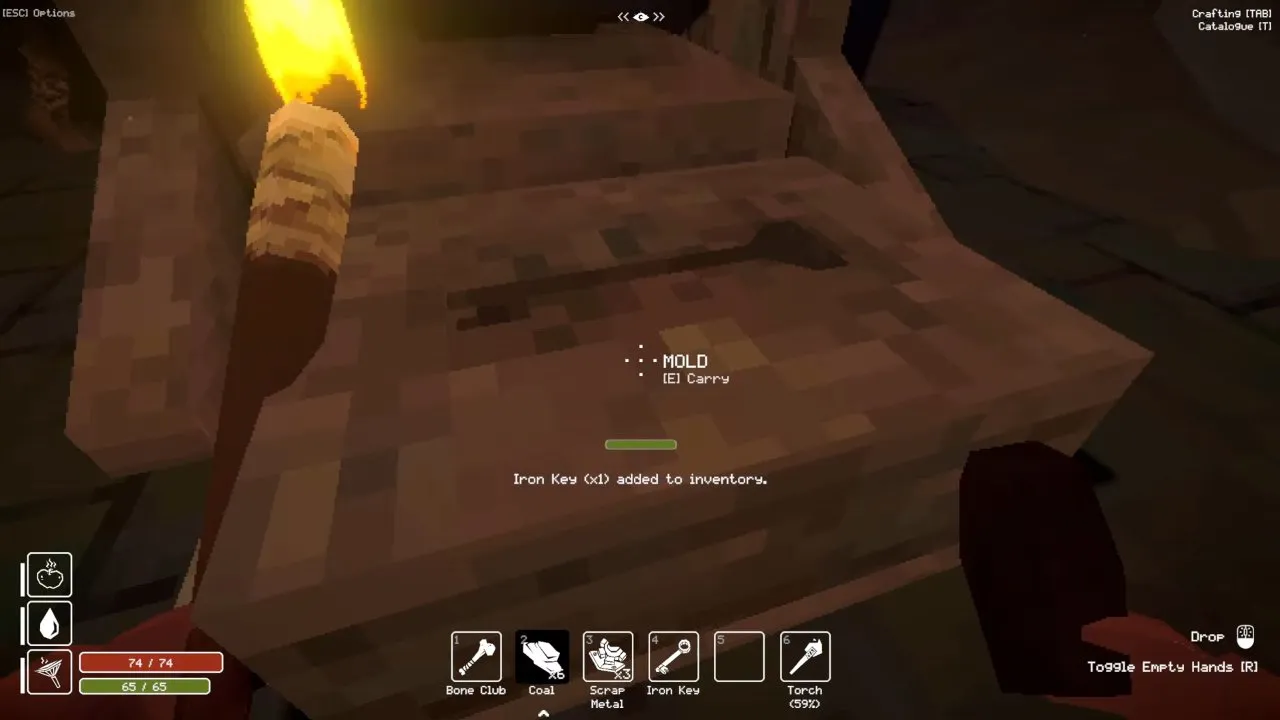 Prison, Jaguar and Iron KeysFind the Deep Dish Dungeon prison key in a basement chest. Forge the iron key, finish the Jaguar key, and open the Jaguar door for the silver dagger.Read guide →
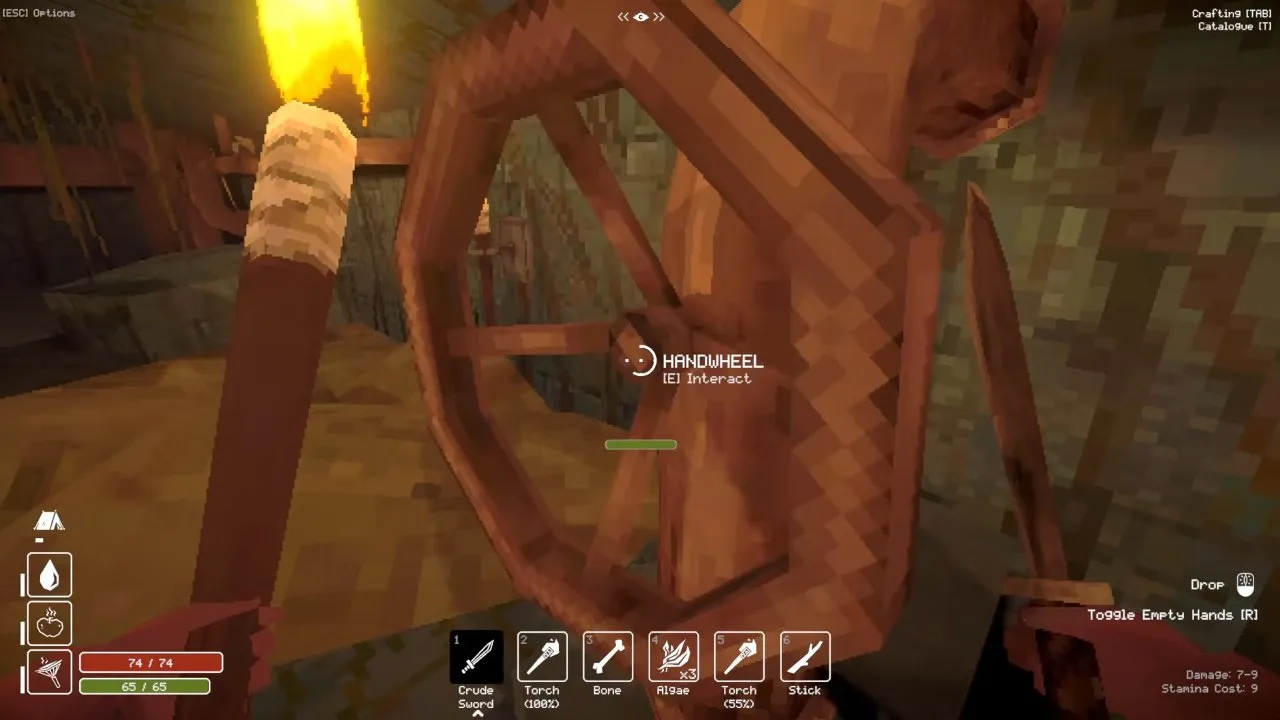 Entrance CampsiteTurn the wheel, swim across, and follow the ceiling pipes to get the hammer in Deep Dish Dungeon. Break rusty bars afterward and avoid eels on the water route.Read guide →
Watch Deep Dish Dungeon in Action
About the Game
Developed by Behold Studios and published by Raw Fury, Deep Dish Dungeon combines survival exploration with Metroidvania and crafting elements in a hand-crafted dungeon. Explore corridors, solve puzzles and gather resources to improve your campsite. Return to camp to craft tools and cook meals, unlocking recipes with different effects on your stats. You can explore solo or cooperate online with up to two friends.
Game Information
| Release Date | October 13, 2026 |
|---|---|
| Developer | Behold Studios |
| Platform | Steam (PC and macOS), Xbox Series X|S, Xbox on PC, Xbox Cloud Gaming |
| Genre | Survival exploration, dungeon crawler, Metroidvania and crafting |
| Official Community | Discord · X (Behold Studios) |
FAQ
$14.99 on Steam in the US. It launched with a 15% discount, bringing it to $12.74. It's also included in Xbox Game Pass.
Deep Dish Dungeon was released on October 13, 2026 and is available now.
Deep Dish Dungeon is available on Xbox Series X|S, Xbox on PC and Xbox Cloud Gaming; a PS5 release has not been confirmed. It is also available on Steam for PC and macOS and launched into Xbox Game Pass on day one.
Deep Dish Dungeon supports 1–3 players, with solo play or online co-op for you and up to two friends, and supports crossplay.
The official game name is Deep Dish Dungeon, with spaces.
Yes. The demo is still listed on the Steam store page as a separate free download, so you can try the opening areas before buying.
The announcement trailer is in the video section above, and the Launch Trailer is at the top of the Steam store page.
Steam reviews in launch week were Mostly Positive. Players who like it enjoy slow, old-school dungeon exploring where you figure everything out yourself. The common complaints are the tight inventory early on and having to keep up with hunger and thirst. Several players found it more fun in co-op than solo.
Players most often compare it to Ultima Underworld and The Elder Scrolls: Arena: first-person dungeon crawling with puzzles, limited light and no hand-holding.
Yes, both are run by the developer, Behold Studios. The official Discord is where the team talks with players and where you can find people to play co-op with. On X, follow @beholdstudios.
It's a lighting bug some players hit: the torch darkens the screen instead of lighting it. The workaround players use is to hold the torch, open the menu and pick Starve to Death. After you respawn, the torch works normally until you close the game.
If joining hangs on the loading bar, have the host make a new lobby without a password. Players stuck on the join screen got in that way.